
Mobile QC Software for Android and iOS Phones
A used phone is worth what its weakest component says it is. CoreInspect runs a fixed mobile test set, scores the display, and exports a condition report before the device reaches a shelf or a buyer.
Share your requirement, current setup, and expected timeline. We will help you scope the right service approach quickly.
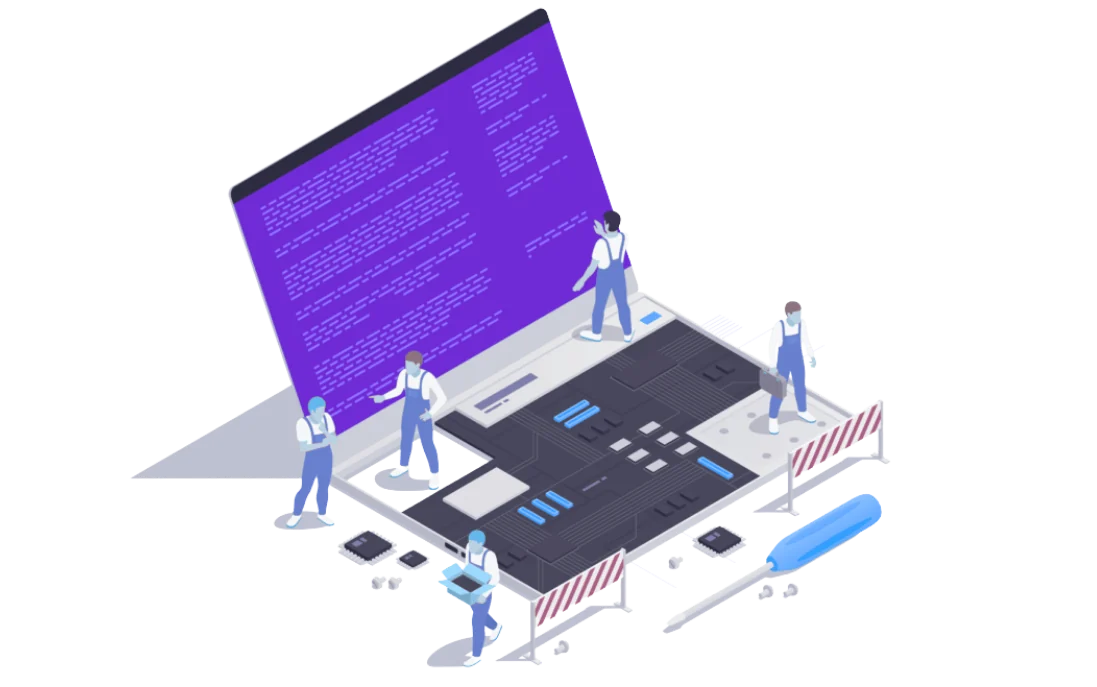
Mobile QC Software
One connected partner for planning, implementation, support, and ongoing optimization around this service area.
Most phone grading still depends on whoever picks the device up first. One technician checks the camera, another forgets the proximity sensor, and a swapped panel passes because the screen looks bright. CoreInspect replaces that variable with a repeatable run: the same tests, in the same order, recorded against the same device identity.
What a mobile QC run covers
CoreInspect tests the parts of a phone that decide its resale grade: the display and touch layer, both cameras, speaker and microphone, Wi-Fi and Bluetooth, charging, battery, sensors, thermal behaviour, and the physical inputs a buyer tries in the first minute.
Each result is stored as a reading, not a tick box. A camera test records capture, autofocus, flash and video separately. A charging test records the negotiation, voltage, current and temperature it saw. That detail matters later, when a device comes back and nobody can remember what passed meant on the day.
The matrix is fixed, but individual checks can be turned off for a buyer who does not care about them. What cannot happen is a technician quietly skipping a test and the report still looking complete.
| Test | What the run records |
|---|---|
| Display and touch | Panel response, dead pixels, uniformity, multi-touch points and dead zones |
| Front and back camera | Capture, autofocus, flash and video, checked as separate results |
| Speaker and microphone | Frequency sweep, output level, voice capture and signal-to-noise |
| Wi-Fi and Bluetooth | Adapter state, visible networks and pairing visibility |
| Charging | Charger negotiation, voltage, current and temperature |
| Battery | Level, voltage, temperature and health where the platform exposes it |
| Sensors | Accelerometer, gyroscope, proximity and light response |
| Thermal | Temperature behaviour during the run |
| Physical inputs | Buttons, vibration, SIM detection and fingerprint where enabled |
iOS does not expose the same hardware interfaces as Android, so the iPhone run is narrower by design. It concentrates on the checks an iPhone will actually give up: display and touch response, cameras, speaker, microphone, charging, battery readings, connectivity and the sensors iOS makes available.
It also does not repeat the parts and service history that iOS already prints in Settings. A replaced screen or battery with a non-genuine part is reported by the phone itself, so the app concentrates on hardware behaviour around that record instead of pretending to be the only source of truth.
That difference is stated in the report. A buyer comparing an Android report with an iPhone report should be able to see which checks ran and which did not, rather than assuming the two documents cover identical ground.
Panel swaps are the most common way a refurbished phone loses money. A replacement OLED can look correct in a photograph, sit flush in the frame and still fail the check that matters: whether the display is the part the phone was built with.
On Android, CoreInspect reads the panel identity and produces an authenticity result alongside the visual checks. The result is shown as original or replacement, with a score that makes a borderline case obvious instead of leaving it to an opinion.
This check is deliberately narrow. Windows and Linux laptops do not receive it, and the iPhone app does not duplicate what iOS already reports. A QC document is only useful if every claim inside it can be defended when a buyer disputes a grade.
There is no universal definition of a good battery, a clean screen or an acceptable charging result. A refurbisher selling into one marketplace may accept a battery at 80 percent health; another may reject anything below 90. Both are valid commercial rules, and neither should be overruled by the software vendor.
CoreInspect captures the readings and applies the thresholds your team sets in the panel. You decide the battery cutoff, which failures are critical, and where the grade bands sit. The report then follows your logic and shows the readings that produced the result.
This is the difference between a test tool and a grading policy. The tool measures; your business decides what the measurement means. When the policy changes, the next run follows the new rule without a software project.
Each run produces a document tied to one device. It carries the model, platform and hardware specification, the date, time and location of the test, every check with its status, the readings behind that status, the display authenticity result on Android, and the overall grade produced by your thresholds.
The report is exported as a PDF and can be attached to a listing, a purchase record or a warranty claim. It is written for a reader who was not at the bench: short test names, visible outcomes and enough detail to answer the obvious question about why a device received its grade.
Every run creates its own report. A repair and re-test adds a second report beside the first rather than replacing it, which leaves a before-and-after record for the same handset.
Mobile QC becomes useful when it survives a busy intake day. The account carries a 500-device monthly minimum, which is roughly twenty devices on each working day, and the run is designed to be repeated by a bench operator rather than demonstrated by an engineer.
A batch is processed one device at a time against the identifier your team already uses. The same test set runs every time, so a batch of forty phones produces forty comparable reports instead of forty different interpretations of the word tested.
Volume also changes what you can see. Once a few hundred runs are recorded, battery health, charging failures and panel authenticity stop being anecdotes and start being a pattern you can take to a supplier.
Android runs start from Rs 50 per device, and iOS runs start from Rs 50 per device. Billing follows device volume rather than seats or users, and there is no platform fee. The 500-device monthly minimum puts the smallest monthly bill at Rs 25,000; a month of 1,000 phones comes to Rs 50,000.
A re-test after repair is not billed a second time. If a phone fails, goes to the bench and returns for another run, the follow-up run is covered by the same device charge.
For a workshop testing a mix of phones and laptops, the laptop QC software page sets out the per-device rates for Windows, Linux and Mac machines.
The natural place is intake, before anyone spends money on a repair. A device is identified, tested and graded while its condition is still the seller's responsibility. The report then decides whether the phone goes to the bench, straight to listing, or back to the supplier.
The same document follows the device through the business. A repair technician can see what failed. A listing team can quote the grade with confidence. A buyer who returns a phone three weeks later can be shown the readings from the day it left, which turns an argument about condition into a review of evidence.
CoreInspect sits inside that chain as the measuring step. The CoreInspect product overview explains how the mobile and laptop runs share one account and one reporting format.
A condition report is also a sales document. When a buyer is spending a meaningful amount on a used phone, a page that names the tests, shows the battery readings and states whether the display is original does more than a paragraph of reassurance.
It also protects the seller. A grade that comes with recorded readings is harder to challenge than a sticker on a box, and a re-test after repair gives the buyer a visible second document rather than a promise that the fault was fixed.
To see the run against your own devices, book a CoreInspect demo and bring a batch with a known fault. The useful demonstration is not a clean phone passing; it is a problem phone being caught before it reaches a customer.
Mobile QC Software You Can Trust
Our trained technicians deliver reliable mobile qc software with genuine parts, clear communication, and warranty-backed work. We focus on getting it right the first time.
Simple, Clear Process
Book a consultation, get a transparent quote, and we handle the rest. You stay informed at every step with regular updates.
Support You Can Depend On
From maintenance and issue handling to infrastructure and hosting support, we help teams stay operational without unnecessary complexity.
One Partner Across IT, Digital, and Software
Instead of juggling multiple vendors, businesses can manage websites, software, marketing, hosting, and IT through one dependable partner.


We Work With
Tell us your requirement and we will recommend the right next step.
Whether you need IT, cloud help, web work, software delivery, or digital growth support, we can help you narrow the right scope quickly.
Related Articles
Practical guides and insights related to this service.
App Maintenance Cost Comparison in India (2026)
What it costs to keep a mobile app alive in India in 2026, compared across support tiers, with the point where a rebuild is cheaper than another year of fixes.
Business Management Software Cost Comparison (2026)
Entry prices for business software across 42 industries in India, from bakery billing to warehouse control, with the modules that push each build higher.
Cloud Migration Cost Comparison in India (2026)
Migration and cloud setup costs in India compared by estate size, including landing zones, assessments, server moves and the optimisation work that follows.
Cybersecurity Cost Comparison in India (2026)
Hardening, testing, monitoring and incident response compared for Indian businesses in 2026, with the order that buys the most protection per rupee.