Google Cloud Setup in Noida
A Noida data or product team can create a Google Cloud project in a minute and spend a quarter untangling the identities, folders and billing accounts that followed. The hierarchy is the setup; the virtual machines are the easy part.
Share your requirement, current setup, and expected timeline. We will help you scope the right service approach quickly.
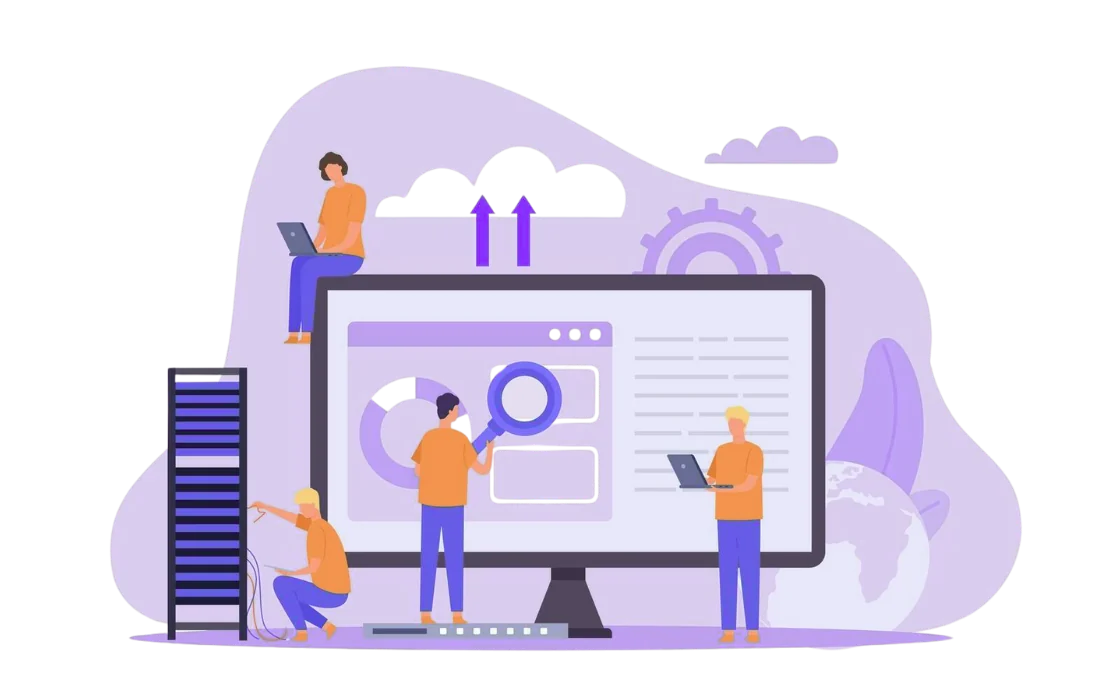
Google Cloud Noida
One connected partner for planning, implementation, support, and ongoing optimization around this service area.
Noida teams often arrive with a prototype project, a billing account attached to one person and a service account key on a laptop. The setup has to turn that into a structure a team can operate: folders per environment, projects per workload and identities that do not outlive the person who created them.
The hierarchy a Noida team needs
Google Cloud starts at the organisation, then folders, then projects. A product team usually needs a production folder and a non-production folder, with projects underneath for the application, data and shared services.
The hierarchy should be decided before the first workload. Moving a project later is possible, but the IAM bindings and billing links have to be rebuilt.
Name projects by workload and environment, not by the person who created them. A project called "rahul-test" becomes a permanent orphan when Rahul moves teams.
Human access should go through a central identity provider and groups, not individual email addresses. A group for platform administrators and a group for developers is easier to audit than a list of people.
Service accounts should be per workload and per environment. A Cloud Run service in production should not share a service account with a test job that can write to the same bucket.
Service account keys are a last resort. Prefer workload identity or attached service accounts, and rotate any key that must exist.
A shared VPC is useful when several projects need the same network controls. For a smaller team, a single VPC with separate subnets per environment is simpler and still understandable.
Cloud Run suits request-driven services; GKE suits teams that need Kubernetes control. The setup should choose based on the workload, not on what is fashionable.
BigQuery needs its own dataset and access model. A data team in Noida often shares datasets across projects, so the IAM design should make that sharing deliberate.
Attach billing to a company account, not a personal card. Set budgets and alerts per environment, and export billing data to BigQuery if the team wants a showback view.
Enable Cloud Audit Logs and organisation policy constraints before the first workload. A log that starts after an incident is not evidence.
Review quotas for the services the product depends on. A new project can hit a limit that nobody expected.
The handover covers the organisation and folder map, project names, IAM groups, service accounts, network design, billing owners, logging locations and the steps to add a workload.
We record what was deliberately left out, such as a full landing zone or a multi-organisation setup, so the next engineer knows the boundary.
Application migration, data pipeline development, code changes and 24x7 operations are separate. The setup creates the structure; the application team owns the workload.
Google Cloud usage, support plans and third-party licences are billed by the provider.
Related cloud work in Noida
AWS: AWS setup in Noida.
The national page is Google Cloud setup; migration work is on cloud migration.
Send the project plan
Share the number of environments, the data services and the identity provider. Send the project plan to [email protected], or reach the team on WhatsApp.
DigitalOcean is covered on DigitalOcean setup in Noida.
The cost review is on cloud cost optimisation in Noida.
Google Cloud Noida You Can Trust
Our trained technicians deliver reliable google cloud noida with genuine parts, clear communication, and warranty-backed work. We focus on getting it right the first time.
Simple, Clear Process
Book a consultation, get a transparent quote, and we handle the rest. You stay informed at every step with regular updates.
Support You Can Depend On
From maintenance and issue handling to infrastructure and hosting support, we help teams stay operational without unnecessary complexity.
One Partner Across IT, Digital, and Software
Instead of juggling multiple vendors, businesses can manage websites, software, marketing, hosting, and IT through one dependable partner.


We Work With
Tell us your requirement and we will recommend the right next step.
Whether you need IT, cloud help, web work, software delivery, or digital growth support, we can help you narrow the right scope quickly.
Related Articles
Practical guides and insights related to this service.
AI Agents in 2026: What They Can and Cannot Do
A practical look at AI agents in 2026: the tasks they handle well, where they fail, how to evaluate one, and what to build first.
AI Chatbot vs Human Support: Where the Handoff Breaks
AI chatbots can contain routine questions, but the handoff to a human decides whether support improves or frustrates customers.
AI for Device Refurbishment: Grading and QC
AI can improve device grading consistency, but it cannot replace hardware tests. See where image checks and test data fit in refurbishment.
AI and the DPDP Act: What to Document
A practical documentation checklist for AI systems that process personal data under India's DPDP Act, from consent to retention and vendor terms.
24Bit System, Noida, Uttar Pradesh, India
Mon–Sat: 9:00 AM – 6:00 PM